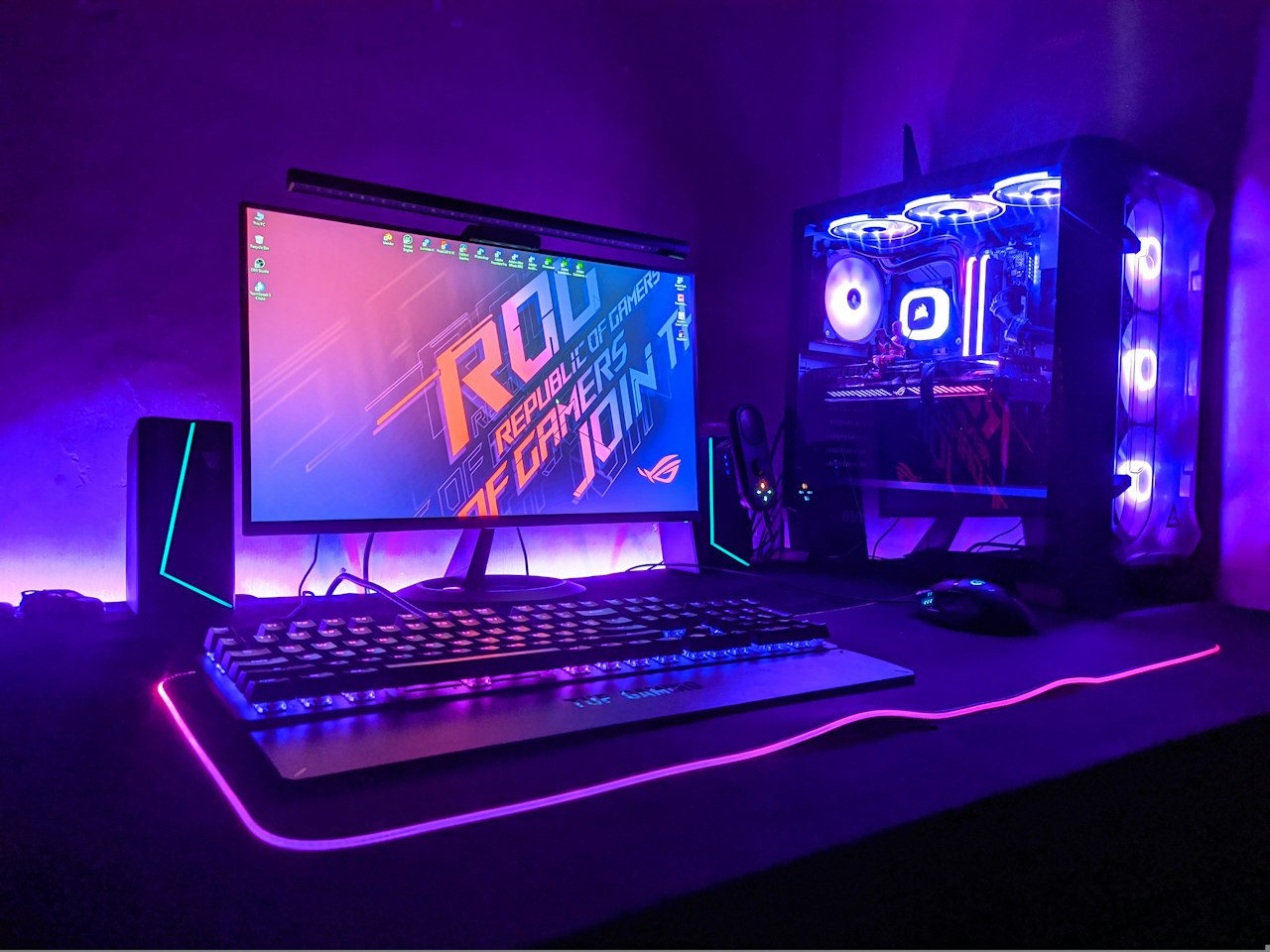
The best gaming mouse under $30 in 2026 is the Logitech G203 Lightsync. It has an accurate sensor, a comfortable shape, solid build quality and RGB lighting, usually for about $16 to $24. For FPS games, the Razer DeathAdder Essential is a strong alternative, and the Redragon M711 Cobra is the best pick if you want the most features for the lowest price.
Key Takeaways
- Logitech G203 Lightsync is the best overall pick under $30, thanks to its sensor, comfort and reliability.
- Razer DeathAdder Essential is the best for FPS games, with a famous ergonomic shape for right-handed players.
- Redragon M711 Cobra is the best value, with a high-DPI sensor and RGB for around $17.
- HyperX Pulsefire Core is a durable option for MMO and MOBA players.
- At this price, wired mice are almost always better than wireless ones.
What Makes a Good Gaming Mouse Under $30?
A good budget gaming mouse has an accurate optical sensor, responsive switches and a comfortable shape, and it does not rely on gimmicks. At this price you will not get the lightest or fastest mouse on the market, but you can get one that tracks smoothly and lasts. Focus on these things:
- Sensor: a modern optical sensor tracks smoothly without jitter. High DPI numbers sound impressive, but most players use only 800 to 1,600 DPI.
- Shape and grip: pick a mouse that fits your hand size and grip style, whether palm, claw or fingertip.
- Weight: lighter mice, around 85 to 100 grams, are easier to flick quickly in shooters.
- Buttons: extra side buttons help in MMO and MOBA games.
- Build and cable: look for solid switches and a flexible cable.
Best Gaming Mice Under $30: Quick Comparison
| Mouse | Typical price | Sensor | Weight | Best for |
|---|---|---|---|---|
| Logitech G203 Lightsync | About $16 to $24 | 8,000 DPI optical | About 85 g | Best overall |
| Razer DeathAdder Essential | About $20 to $25 | 6,400 DPI optical | About 96 g | FPS games |
| Redragon M711 Cobra | About $16 to $20 | 10,000 DPI optical | About 130 g | Best value and RGB |
| HyperX Pulsefire Core | About $22 to $28 | Up to 6,200 DPI optical | Not listed | MMO and MOBA |
Prices are approximate US street prices from 2026 reviews and change often. Check the current price before you buy.

What Are the Best Gaming Mice Under $30?
1. Logitech G203 Lightsync: best overall
The Logitech G203 Lightsync is the easiest recommendation in this price range. It has an 8,000 DPI optical sensor, a light 85 gram body, a comfortable shape and customisable RGB lighting. It shares the same physical size as Logitech’s more expensive G305 and G Pro mice, which is high praise at this price. Its main drawback is that the design is a little older and less refined than newer mice. If the price creeps above $30, check other sellers.
2. Razer DeathAdder Essential: best for FPS games
The DeathAdder shape is one of the best-selling gaming mouse designs ever, and the Essential version brings that right-handed ergonomic shape under $30. It has a 6,400 DPI optical sensor, five programmable buttons and a comfortable rubber grip. At around 96 grams it is a little heavier than the G203, and it is not suitable for left-handed players.
3. Redragon M711 Cobra: best value
The Redragon M711 Cobra offers a specification sheet that looks almost too good for roughly $17, including a 10,000 DPI sensor and full RGB lighting. It is heavier at around 130 grams, and the plastic feels thinner than Logitech or Razer, but it is the best choice if you want features on the tightest budget.
4. HyperX Pulsefire Core: best for MMO and MOBA
The HyperX Pulsefire Core is one of the cheapest mice from a major gaming brand. It is a sturdy, no-frills mouse with reliable switches and an optical sensor that goes up to about 6,200 DPI, and it suits MMO and MOBA players who like side buttons. It usually costs a few dollars more than the G203 or Redragon.
Should You Buy a Wired or Wireless Gaming Mouse Under $30?
Buy wired. At this price, wired mice are almost always better, because wireless models in this range often suffer from weaker batteries, higher latency or poor build quality. Good wireless gaming mice, such as the Logitech G305 or Razer Viper V3 HyperSpeed, usually start around $45 and up.
Is It Worth Spending More Than $30?
For most casual and mid-level players, no. A good $20 mouse tracks as well as most players need. Spend more only if you want a lighter body, a wireless connection or a premium sensor for competitive play. If you are building a budget setup, our guides to the best mechanical keyboard under $100 and the best laptop under $500 can help you spend the rest of your money wisely.
How to Choose a Gaming Mouse: Step-by-Step
Step 1 — Check your grip and hand size
Palm-grip players usually prefer larger, ergonomic shapes like the DeathAdder, while claw and fingertip grips often suit the G203’s smaller body.
Step 2 — Decide on weight
Fast shooters benefit from lighter mice around 85 to 100 grams. Heavier mice can feel steadier for slow, precise aiming.
Step 3 — Choose the buttons you need
Two side buttons are enough for most games. MMO and MOBA players may want more.
Step 4 — Set a sensible DPI
Start around 800 to 1,600 DPI and adjust your in-game sensitivity. Higher DPI is not better aim.
Step 5 — Check the price and return policy
Compare prices from trusted sellers, and make sure you can return the mouse if the shape does not suit you. Take care with fake or counterfeit listings that sell gaming gear far below the normal price. Our guide to wireless earbuds under $50 shares more tips for buying budget tech safely.
Frequently Asked Questions
What is the best gaming mouse under $30?
The Logitech G203 Lightsync is the best overall gaming mouse under $30, thanks to its sensor, comfortable shape and build quality. The Razer DeathAdder Essential is a strong pick for FPS games.
Is a $30 gaming mouse good enough?
Yes, for most players. Modern budget mice use accurate optical sensors that track well, so the main differences are weight, shape and build quality, not aiming performance.
Do I need a high DPI gaming mouse?
No. Most players use between 800 and 1,600 DPI. Very high DPI numbers are mostly marketing, and sensitivity is easier to control at moderate settings.
Is the Logitech G203 worth buying?
Yes. The G203 offers a good sensor, a comfortable shape and reliable build quality at a low price, which is why it is one of the most recommended budget gaming mice.
Are wireless gaming mice under $30 any good?
Rarely. Wired mice give better performance and reliability at this price. If you want wireless, plan to spend around $45 or more.
Which gaming mouse is best for FPS games?
The Razer DeathAdder Essential is a popular budget choice for FPS because of its ergonomic shape, while the lighter Logitech G203 also works well for fast flicks and quick aiming.
Conclusion
You do not need to spend much to get a capable gaming mouse. The Logitech G203 Lightsync is the best all-rounder under $30, the Razer DeathAdder Essential is great for FPS games, the Redragon M711 Cobra delivers the most features for the money and the HyperX Pulsefire Core suits MMO and MOBA players. Choose wired, match the shape to your hand and check the current price before you buy.
Related reading: Best mechanical keyboard under $100 · Best laptop under $500 for programming · Best wireless earbuds under $50