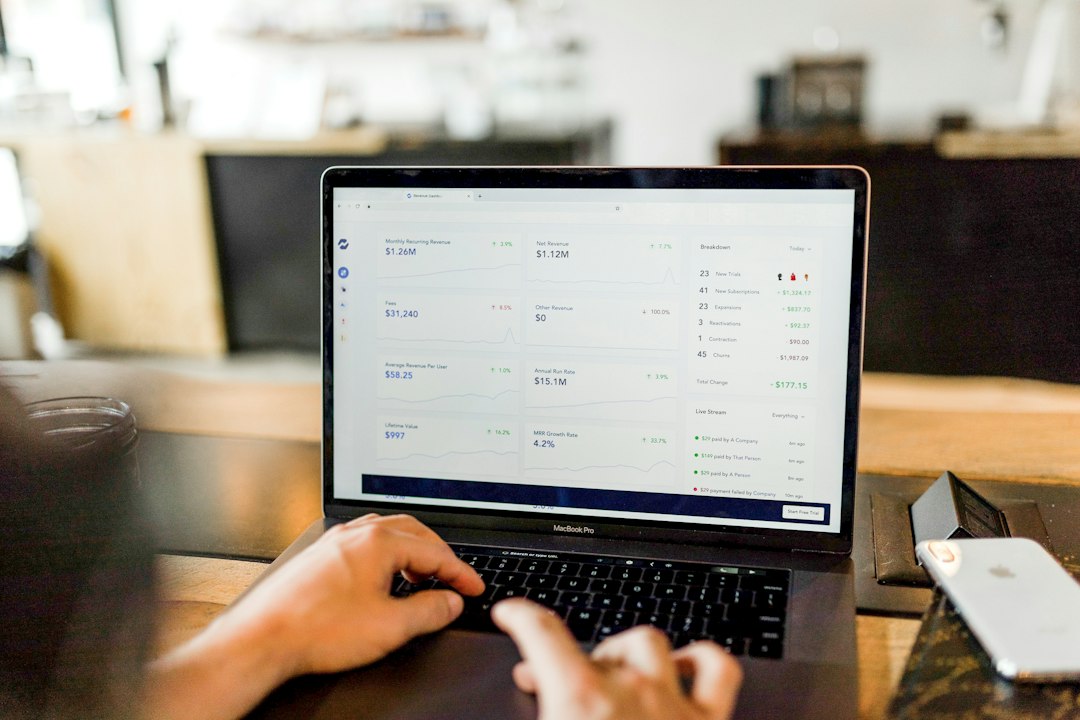
What is SaaS? SaaS, or software as a service, is a way of using software over the internet instead of installing it on your own computer. You log in through a web browser or app, the provider runs and updates everything on its servers, and you usually pay a monthly or yearly subscription. Gmail, Zoom, Slack, Dropbox and Microsoft 365 are all SaaS products.
Key Takeaways
- SaaS delivers ready-to-use software over the internet, usually through a subscription.
- The provider handles servers, updates and security of the infrastructure, so you do not install or maintain anything.
- SaaS is one of three main cloud service models, alongside PaaS and IaaS.
- Main benefits are low upfront cost, easy access and automatic updates.
- Main risks are ongoing costs, limited customisation, data security and vendor lock-in.
What Is Software as a Service (SaaS)?
Software as a service is a cloud computing model in which you use a provider’s applications running on its cloud infrastructure, reached through a web browser or program interface. The US National Institute of Standards and Technology (NIST) defines SaaS in its official glossary as using the provider’s applications on a cloud infrastructure, where the customer does not manage or control the underlying network, servers, operating systems or storage.
In simple terms, SaaS turns software into a service you rent, not a product you buy and install. To understand the technology behind it, read our guide to what cloud computing is and how it works.
How Does SaaS Work?
SaaS works by hosting the application and its data on the provider’s servers, which you reach over the internet. A typical SaaS product follows these steps:
- The provider builds and hosts the software in the cloud, and keeps it running, secure and updated.
- You sign up and log in through a browser or mobile app, with no installation needed in most cases.
- Your data is stored in the cloud, so you can open it from any device.
- You pay a subscription based on users, features or usage.
- Updates arrive automatically, so everyone uses the latest version.
Many SaaS products use a multi-tenant design, which means many customers share the same software while their data stays separate.
What Are Examples of SaaS?
| Category | Examples |
|---|---|
| Email and office | Gmail, Google Workspace, Microsoft 365 |
| Communication | Zoom, Slack, Microsoft Teams |
| Storage and files | Dropbox, Google Drive, OneDrive |
| Project management | Trello, Asana, ClickUp |
| Customer management (CRM) | Salesforce, HubSpot |
| Streaming | Netflix, Spotify |
You can compare some of these in our guides to Google Drive vs OneDrive vs Dropbox and the best free project management tools.
What Is the Difference Between SaaS, PaaS and IaaS?
SaaS, PaaS and IaaS are the three main cloud service models, and they differ in how much you manage yourself. IaaS gives you raw computing resources, PaaS gives you a platform to build apps and SaaS gives you a finished application.

| Model | What you get | Who it suits |
|---|---|---|
| SaaS | A finished application you use online | Everyday users and businesses |
| PaaS | A platform for building and running your own apps | Developers |
| IaaS | Virtual servers, storage and networking | IT teams and engineers |
What Are the Benefits of SaaS?
- Low upfront cost: you pay a subscription instead of buying expensive licences.
- Easy setup: sign up and start using it in minutes.
- Automatic updates: the provider adds features and fixes problems for everyone.
- Access anywhere: use it from any device with an internet connection.
- Easy to scale: add or remove users as your needs change.
- Built-in collaboration: teams can work on the same files in real time.
What Are the Risks and Downsides of SaaS?
- Ongoing cost: subscriptions add up over the years and prices can rise.
- Less customisation: you can only change what the provider allows.
- Data security and privacy: your data lives on someone else’s servers, so you rely on their protections.
- Internet dependence: without a connection or during an outage, you may not be able to work.
- Vendor lock-in: moving your data to another service can be difficult.
How Much Does SaaS Cost?
SaaS pricing varies widely, but most products use one of four models:
- Per user per month: you pay for each person who uses the tool.
- Tiered plans: features and limits increase with each price level.
- Freemium: a free plan with limits, plus paid upgrades.
- Usage-based: you pay for what you use, such as storage or transactions.
Always check what is included and what happens when you outgrow the free tier.
How Do You Keep SaaS Accounts Secure?
Because SaaS tools hold your files and business data, account security matters. Use a unique, strong password for each service, store it in a password manager, and turn on two-factor authentication everywhere it is offered. Review who has access, remove old users and export your data regularly.
How to Choose the Right SaaS Tool: Step-by-Step
Step 1 — Define the problem
Write down what you need the tool to do, and who will use it.
Step 2 — Compare two or three options
Check features, pricing, integrations and reviews, and avoid choosing only on the cheapest price.
Step 3 — Start with a free trial or free plan
Test the tool with a real task before you commit to a paid plan.
Step 4 — Check security and data export
Look at how the provider protects data, and make sure you can export your files if you leave.
Step 5 — Review the cost every year
Cancel tools you no longer use, and look for annual discounts if you are sure you will keep a tool.
Frequently Asked Questions
What is SaaS in simple words?
SaaS means using software online through a subscription instead of installing it. The provider runs and updates it, and you just log in. Gmail and Zoom are common examples.
What are examples of SaaS?
Examples include Gmail, Google Workspace, Microsoft 365, Zoom, Slack, Dropbox, Salesforce, Trello and Netflix.
What is the difference between SaaS and cloud computing?
Cloud computing is the broad idea of using computing resources over the internet. SaaS is one type of cloud service, along with PaaS and IaaS, in which you use a finished application.
Is Gmail SaaS?
Yes. Gmail is delivered over the internet by Google, who manage all the servers and software while you use it in a browser or app.
Is SaaS safe?
It can be very safe if you choose reputable providers and protect your account with strong passwords and two-factor authentication. Check how the provider handles your data before you commit.
What are the advantages of SaaS over traditional software?
SaaS has lower upfront costs, automatic updates, easy access from any device and simple scaling. Traditional software gives you more control and works offline, but you must install and maintain it yourself.
Conclusion
SaaS has changed how we use software by moving it from our computers to the cloud. It is affordable, easy to start and always up to date, but it also means ongoing fees, less control and reliance on the provider. Choose tools carefully, secure your accounts and review your subscriptions regularly so you get the benefits without the surprises.
Related reading: What is cloud computing? · Google Drive vs OneDrive vs Dropbox · Best free project management tools · What is two-factor authentication?