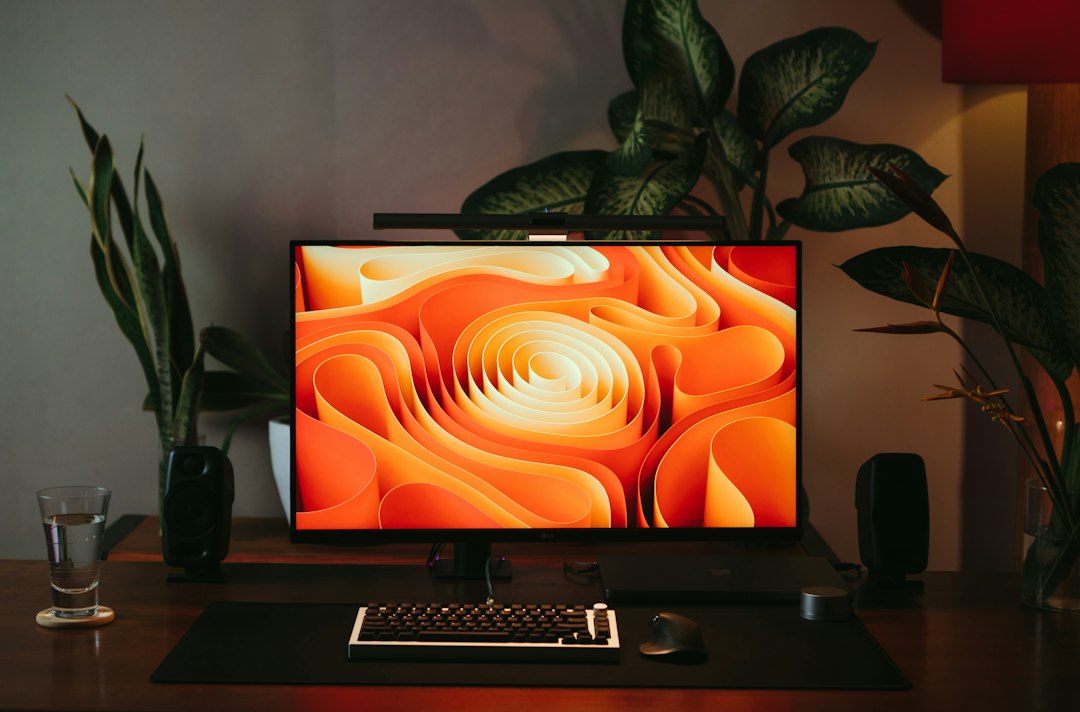
The best monitor for a home office in 2026 is a 27-inch 4K IPS screen with good eye-comfort features and, ideally, a USB-C port for one-cable laptop docking. For most people, the Dell 27 Plus 4K (S2725QS) offers the best mix of sharp text, smooth 120Hz scrolling and price. If you are on a tight budget, the LG 27US500-W gives you 4K for around $200, and the Dell SE2725HM is a comfortable full HD option. Here is how to choose.
Key Takeaways
- 27 inches is the sweet spot for most desks, and 4K makes text noticeably sharper.
- IPS panels give better viewing angles and comfortable colour for long work days.
- USB-C with power delivery lets you connect and charge a laptop with a single cable.
- Eye-comfort features such as flicker-free backlights and low blue light modes help reduce strain.
- A height-adjustable stand and correct positioning matter as much as the screen itself.
What Should You Look for in a Home Office Monitor?
For work, the most important factors are sharp text, a comfortable size, eye-friendly technology and the right ports. Gaming-style specs such as very high refresh rates are nice to have but are not necessary for documents, spreadsheets and video calls. Focus on these things:
- Size: 24 inches suits small desks, 27 inches is the best all-round size and 32 inches or ultrawide is for heavy multitasking.
- Resolution: full HD (1080p) is fine at 24 inches, but 1440p or 4K looks much sharper on a 27-inch screen.
- Panel type: IPS is the standard for work because of good colour and wide viewing angles.
- Connectivity: USB-C with power delivery can charge your laptop and carry video and data over one cable.
- Eye comfort: look for flicker-free backlights and low blue light modes, ideally with a recognised certification.
- Ergonomics: a stand with height and tilt adjustment makes it easier to sit comfortably.
Best Monitors for a Home Office: Quick Comparison
| Monitor | Size and resolution | Typical price | Best for |
|---|---|---|---|
| Dell SE2725HM | 27 inch IPS, full HD | Budget | Best budget with eye comfort |
| LG 27US500-W | 27 inch IPS, 4K | About $200 | Cheapest sharp 4K |
| Dell 27 Plus S2725QS | 27 inch IPS, 4K, 120Hz | About $300 | Best 4K overall |
| Dell 27 Plus S2725QC | 27 inch IPS, 4K, 120Hz, USB-C | About $350 | Best 4K with USB-C docking |
| Dell UltraSharp U3225QE | 31.5 inch IPS, 4K, 120Hz, USB-C | Premium | Best large dock-style screen |
Prices are approximate US figures from 2026 reviews and retailers, and they change often. Check the current price before you buy.

What Are the Best Monitors for a Home Office?
1. Dell SE2725HM: best budget with eye comfort
The Dell SE2725HM is a 27-inch full HD IPS monitor that focuses on comfort. It features Dell’s ComfortView Plus technology and TUV Rheinland 3-star eye comfort certification, and it keeps the price low. The trade-off is that full HD looks less sharp at 27 inches than 1440p or 4K, so it suits people who value comfort and cost over crisp text.
2. LG 27US500-W: cheapest sharp 4K
The LG 27US500-W is a 27-inch 4K monitor that sells for around $200. It gives you the sharp text and extra workspace of 4K at a budget price, which is a big upgrade from a 1080p screen. It is less feature-rich than the Dell models, with a basic stand and no USB-C docking, so it is best for people who want 4K clarity without paying more.
3. Dell 27 Plus S2725QS: best 4K overall
The Dell S2725QS is a 27-inch 4K IPS monitor with a 120Hz refresh rate, FreeSync Premium, 99 percent sRGB colour, built-in speakers and ComfortView eye-care tech. At about $300 it undercuts many rivals, and the 120Hz refresh rate makes scrolling and video feel smooth. It is the best all-round choice for most remote workers.
4. Dell 27 Plus S2725QC: best 4K with USB-C
The S2725QC adds USB-C to the same panel as the S2725QS, so you can connect and charge a laptop with one cable. It costs about $50 more, which is worth it if you use a laptop for work and want a tidy desk with a single connection.
5. Dell UltraSharp U3225QE: best premium dock-style monitor
The Dell UltraSharp U3225QE is a 31.5-inch 4K monitor at 120Hz that doubles as a laptop dock. It is a premium choice for people who want one large screen with strong connectivity and are willing to pay more for build quality and ports.
Other good options include the LG 27U631A-B, a 27-inch 1440p IPS monitor with 100Hz and USB-C, and the ASUS ProArt PA279CRV, a 27-inch 4K monitor with 96W USB-C charging for people who care about colour accuracy. Very cheap 4K models from lesser-known brands, such as the Gawfolk GF270M at under $160, can be tempting, but warranty support and long-term reliability are bigger question marks.
27-Inch 4K, 32-Inch, Ultrawide or Dual Monitors?
| Setup | Best for | Watch out for |
|---|---|---|
| 24 inch full HD | Small desks, basic tasks, lowest cost | Less workspace and less sharp text |
| 27 inch 4K | Most people, the safest starting point | Needs display scaling for comfortable text |
| 32 inch 4K | Large desks and heavy multitasking | Needs more desk depth and a faster laptop |
| 34 inch ultrawide | Spreadsheets and timelines side by side | Some video calls and apps handle width poorly |
| Two monitors | Constant reference and chat windows | Takes more space and cables |
A single 27-inch 4K monitor is the safest starting point for most home offices. If you work with several windows all day, consider a larger display or a second screen later.
How Do You Set Up a Monitor to Protect Your Eyes and Posture?
- Place it at arm’s length. The screen should be roughly an arm’s length from your eyes.
- Set the height. The top of the screen should be at or slightly below eye level, so you do not tilt your head up.
- Reduce glare. Position the screen at right angles to windows and avoid bright lights behind it.
- Adjust brightness. Match screen brightness to the room, and use a low blue light mode in the evening.
- Take breaks. Look at something far away for a short time every 20 minutes or so.
How to Choose a Home Office Monitor: Step-by-Step
Step 1 — Measure your desk
Check the width and depth of your desk before you choose a size. A 27-inch monitor needs about 24 inches of width, and a larger or ultrawide screen needs more.
Step 2 — Decide on resolution
Pick 4K for the sharpest text on 27 inches, 1440p as a middle option and full HD only for small screens or the tightest budgets.
Step 3 — Check the ports
Choose USB-C with power delivery if you use a laptop, and make sure the monitor has HDMI or DisplayPort for other devices.
Step 4 — Look at eye comfort and ergonomics
Look for flicker-free backlights, a low blue light mode and a height-adjustable stand. If the stand is basic, a cheap monitor arm can fix the height.
Step 5 — Set a budget and compare prices
Compare prices from trusted stores, read user reviews and make sure you can return it. Match your budget with the rest of your setup, such as a mechanical keyboard, a budget mouse and a laptop under $500.
Frequently Asked Questions
What is the best monitor for a home office?
A 27-inch 4K IPS monitor with USB-C and eye-comfort features is the best choice for most people. The Dell 27 Plus S2725QS is a strong all-round pick, and the LG 27US500-W is a cheaper 4K option.
What size monitor is best for working from home?
27 inches is the best size for most desks. A 24-inch monitor suits small desks, while 32 inches or ultrawide suit heavy multitaskers with plenty of space.
Is 4K worth it for office work?
Yes, if you read and write a lot. 4K makes text and images noticeably sharper on a 27-inch monitor, though it needs display scaling to keep text a comfortable size.
Do I need USB-C on a monitor?
It is not essential, but it is very convenient with a laptop. USB-C with power delivery charges your laptop and carries video and data over one cable, which keeps your desk tidy.
Is a curved monitor good for work?
It can be, especially on larger or ultrawide screens, because it keeps the edges within your view. For standard 27-inch work monitors, a flat IPS screen is usually fine and often cheaper.
How can I reduce eye strain from my monitor?
Position the screen at arm’s length with the top at or below eye level, reduce glare, match brightness to the room, use a low blue light mode in the evening and take regular breaks.
Conclusion
For most people, the best home office monitor in 2026 is a 27-inch 4K IPS screen. The Dell S2725QS offers the best overall value, the S2725QC adds USB-C for laptop users, the LG 27US500-W is the cheapest sharp 4K and the Dell SE2725HM is a comfortable full HD choice on a budget. Measure your desk, set up the screen at the right height and check the current price before you buy.
Related reading: Best laptop under $500 for programming · Best mechanical keyboard under $100 · Best gaming mouse under $30