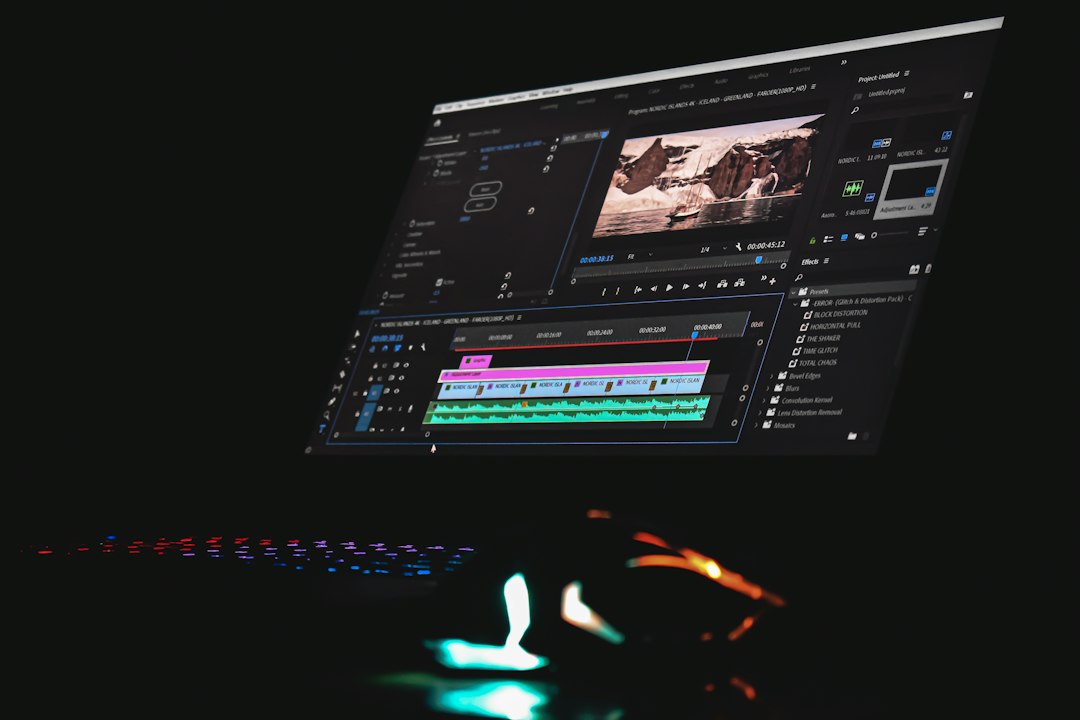
The best free video editing software in 2026 depends on what you need. DaVinci Resolve is the strongest free option for advanced editing, Clipchamp and CapCut suit quick social videos, and Shotcut, Kdenlive and OpenShot are solid open-source choices. Check each tool’s limits on its official site before you commit.
Key Takeaways
- DaVinci Resolve offers the most professional tools in a free version, but it needs a reasonably capable computer.
- Clipchamp and CapCut are the easiest starting points for short, social-style videos.
- Shotcut, Kdenlive and OpenShot are open source, so there is no subscription tier to upgrade.
- Free versions of commercial tools may limit effects, stock media, or export options, so read the current terms.
- Download only from official websites to avoid fake installers.
What Is Free Video Editing Software?
Free video editing software is a program that lets you cut, arrange, and export video clips without paying for a licence. Some tools are fully free and open source, while others are free tiers of paid products that limit effects, stock media, or export options.
Free Video Editors Compared
Features and limits change often, so treat this table as a starting point and confirm details on each official site.
| Editor | Best for | Platforms | Watch out for |
|---|---|---|---|
| DaVinci Resolve (free) | Advanced editing, color grading, audio | Windows, macOS, Linux | Heavy on hardware; some features are reserved for the paid Studio version |
| CapCut | Short social videos, templates, captions | Windows, macOS, mobile, web | Some effects and exports may need a paid plan; review its privacy terms |
| Clipchamp | Beginners on Windows | Windows, web | Premium stock media and some features are paid |
| Shotcut | Lightweight, flexible open-source editing | Windows, macOS, Linux | Interface takes a little learning |
| Kdenlive | Multi-track projects, open source | Windows, macOS, Linux | More options than a beginner may need |
| OpenShot | Simple edits and easy learning | Windows, macOS, Linux | Can feel slow on large or complex projects |
Which Free Video Editor Should You Pick?

In short, choose Clipchamp or CapCut if you want fast results, DaVinci Resolve if you want professional tools and have the hardware, and an open-source editor if you prefer software with no paid tier.
The Six Options in More Detail
1. DaVinci Resolve (Free Version)
Resolve combines editing, color correction, visual effects, and audio tools in one program. Its free version is often recommended for people who want to grow into professional workflows. The trade-off is hardware: it runs best on a computer with a capable graphics card and plenty of memory. Some advanced features and output settings are reserved for the paid Studio version.
2. CapCut
CapCut is built around quick, social-style videos, with templates, automatic captions, and simple effects. It is easy to pick up, but parts of the toolset sit behind a paid plan, so check what the free tier includes. Read its privacy and terms pages before uploading personal footage.
3. Clipchamp
Clipchamp is Microsoft’s editor and is available on Windows and in the browser. Its free tier is a friendly starting point for beginners, while premium stock media and some features require a subscription.
4. Shotcut
Shotcut is a free, open-source editor that supports many video formats and runs on Windows, macOS, and Linux. It is lightweight and flexible, though the layout can feel unusual at first.
5. Kdenlive
Kdenlive is an open-source editor with multi-track timelines and a wide set of tools. It suits people who want more control than a basic editor offers and do not mind a learning curve.
6. OpenShot
OpenShot is an open-source editor known for a simple interface. It works well for straightforward projects such as trimming clips, adding titles, and exporting a finished video.
How to Edit Your First Video for Free
The steps are similar in almost every editor. Download the software only from its official website, because fake installers are a common way to spread malware, as the FTC’s guidance on safe downloads explains.
- Install and set up. Install your chosen editor, then create a new project that matches your footage resolution and frame rate.
- Import your clips. Add video, music, and images to the media library, and keep them in one folder so the project does not lose files.
- Build a rough cut. Drag clips onto the timeline in order and trim the start and end of each one.
- Add titles and audio. Place music and voice tracks, then lower the music so speech stays clear.
- Fix color and sound. Make small adjustments to brightness, contrast, and volume rather than heavy effects.
- Export. Choose a common format such as MP4, check the preview, and save the final file. Back up your project files too.
If your computer feels slow while editing, using lower-quality preview or proxy files, where your editor offers them, can help.
Frequently Asked Questions
What is the best free video editing software for beginners?
Clipchamp and CapCut are usually the easiest to learn because they use simple layouts and templates. OpenShot is a good open-source alternative.
Is DaVinci Resolve really free?
Yes, Blackmagic Design offers a free version of Resolve. A paid Studio version adds extra features, so compare them on the official site.
Do free video editors add watermarks?
It depends on the tool and its current terms. Open-source editors such as Shotcut, Kdenlive, and OpenShot do not sell a paid tier, while commercial tools may apply limits to certain templates or media. Check before you export an important project.
Can I edit 4K video with free software?
Many free editors can work with 4K footage, but your computer needs enough processing power and memory. Proxy files can make editing smoother on slower machines.
Which free editor works on Linux?
DaVinci Resolve, Shotcut, Kdenlive, and OpenShot all offer Linux versions. Confirm system requirements on each official site.
Is free video editing software safe to download?
It is safe when you download from the official website of the developer. Avoid third-party download sites and cracked versions, and keep your antivirus active.
Conclusion
There is no single best free video editor for everyone. Pick Clipchamp or CapCut for speed, DaVinci Resolve for professional depth, or an open-source tool like Shotcut, Kdenlive, or OpenShot for freedom from paid tiers. Try one on a short project first, and switch if it does not suit your workflow.