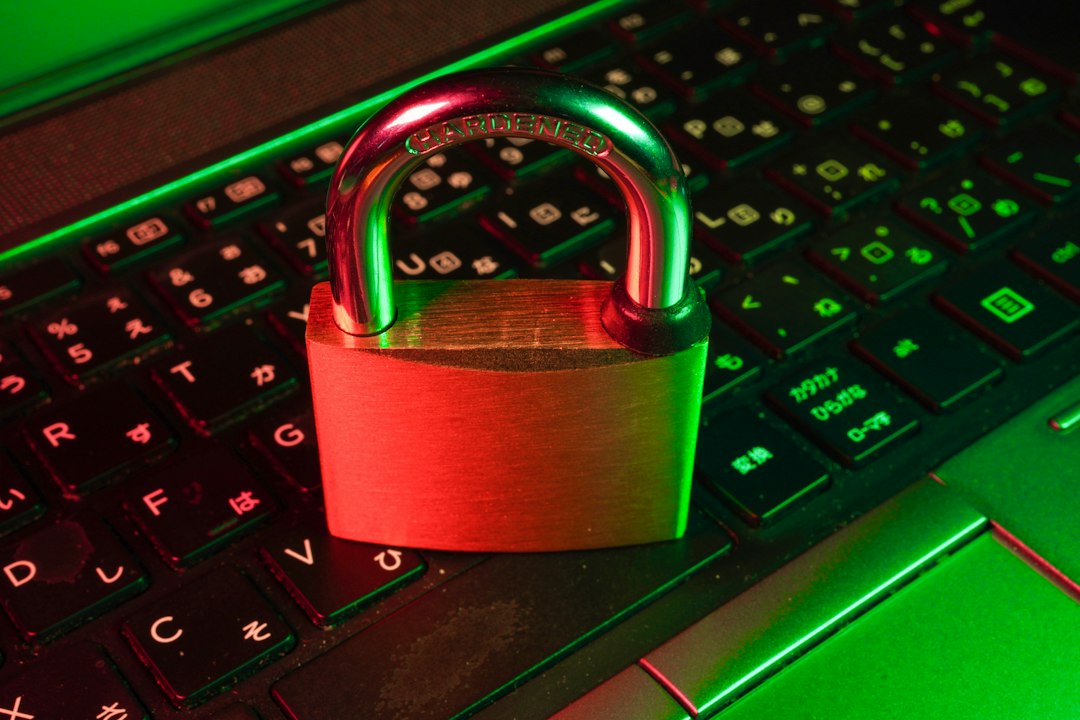
What is cybersecurity? It is the practice of protecting computers, phones, networks, accounts and data from theft, damage and unauthorised access. Cybersecurity covers everything from the strong password on your email to the systems that keep hospitals and banks running. It matters more than ever because nearly everything we do, from banking to messaging to work, now happens online.
Key Takeaways
- Cybersecurity protects devices, networks, accounts and data from digital attacks.
- Its three goals are confidentiality, integrity and availability, often called the CIA triad.
- Common threats include phishing, malware, ransomware, password attacks and social engineering.
- Basic habits such as strong passwords, updates and multi-factor authentication stop most everyday attacks.
- Cybersecurity is a shared responsibility, and it applies to individuals as much as to companies.
What Is Cybersecurity?
Cybersecurity is the set of tools, practices and rules used to defend digital systems and information from attack. It protects people, businesses and governments from threats such as stolen passwords, fraud, data leaks and ransomware, which locks files until a payment is made.
It is not only for experts. Anyone with an email account, a phone or a bank app is part of the picture. The US Cybersecurity and Infrastructure Security Agency (CISA) says that using strong passwords, updating software, thinking before you click on suspicious links and turning on multi-factor authentication are the basics of cyber hygiene that apply to both individuals and organisations.
What Are the Three Goals of Cybersecurity?
Cybersecurity aims to protect the confidentiality, integrity and availability of information, a model known as the CIA triad.

- Confidentiality: only the right people can see the data. Passwords and encryption support this.
- Integrity: data stays accurate and is not changed without permission. Updates and checks support this.
- Availability: systems and data are there when you need them. Backups and resilient systems support this.
What Are the Main Types of Cybersecurity?
| Type | What it protects | Example |
|---|---|---|
| Network security | Networks and Wi-Fi from intruders | Firewalls, secure routers |
| Endpoint security | Laptops, phones and other devices | Antivirus, device updates |
| Application security | Apps and websites from flaws | Secure coding, patches |
| Cloud security | Data and services in the cloud | Access controls, encryption |
| Identity and access security | Who can sign in to what | Passwords, two-factor authentication |
| Data security | The information itself | Encryption, backups |
| IoT and mobile security | Smart devices and phones | Updates, secure settings |
What Are the Most Common Cyber Threats?
Phishing
Phishing uses fake emails, texts or websites to trick you into sharing passwords, card details or other information. It is the most common attack on ordinary people, because it targets human trust instead of technology.
Malware and ransomware
Malware is harmful software such as viruses, spyware and trojans. Ransomware is a type that locks your files and demands money. If you suspect an infection, follow our guide to removing malware from your PC.
Password attacks
Attackers use stolen password lists and automated guessing tools. Reusing passwords makes this far worse, because one leak unlocks many accounts. See our guide to creating a strong password.
Social engineering
Social engineering manipulates people, not machines, through urgency, fear or fake authority. A caller pretending to be your bank is a classic example.
Denial-of-service attacks
These flood a website or service with traffic so that real users cannot reach it, which hits the availability goal.
Insider and supply chain risks
Sometimes the threat comes from within, from a careless employee or a compromised supplier. Good access control and monitoring reduce this risk.
How Do Cyberattacks Usually Happen?
Most attacks follow a simple path. The attacker finds a weakness, gains access, then steals data, locks files or uses the account for fraud. The weakness is often human or basic, such as a reused password, an unpatched device, a fake link or an unprotected account, which is why simple habits stop so many attacks.
Why Does Cybersecurity Matter More Than Ever?
- More of life is online: banking, shopping, health, work and school all rely on digital systems.
- More connected devices: every smart gadget is another possible entry point. Read our guide to the Internet of Things.
- Remote and cloud work: data lives in many places, not just inside an office.
- Attackers use better tools: including automation and AI to write convincing scams.
- The cost of a breach is high: stolen money, lost data, damaged trust and legal trouble.
How Can You Protect Yourself? Step-by-Step
Step 1 — Use strong, unique passwords
Use a different long password for every account, and let a password manager remember them.
Step 2 — Turn on two-factor authentication
A second step stops most account takeovers, even if your password leaks. Learn what two-factor authentication is and turn it on for email, banking and social media.
Step 3 — Keep everything updated
Install updates for your operating system, browser and apps, because updates fix known security holes.
Step 4 — Use security software and safe browsing
Use built-in protection or one of the best free antivirus programs, and choose a privacy-friendly browser, as covered in our guide to the best browser for privacy.
Step 5 — Think before you click
Be cautious with unexpected emails, texts and attachments, and check the sender before you act on any request for money or information.
Step 6 — Secure your home network and phone
Change your router’s default password and keep its software updated. Follow our guides to protecting your home Wi-Fi and securing your smartphone.
Step 7 — Back up your data
Keep copies of important files so ransomware or a broken device cannot destroy them. Our guide to backing up your data safely explains how.
What Should Businesses and Teams Do?
- Train staff to spot phishing and report problems early.
- Use multi-factor authentication everywhere possible.
- Limit access so people only reach what they need.
- Patch quickly and monitor for unusual activity.
- Plan for incidents with backups and a simple response plan.
Is Cybersecurity a Good Career?
Cybersecurity is a growing field with roles such as security analyst, penetration tester, incident responder and security engineer. You can start by learning networking, operating systems and basic security concepts, then practise with free labs and challenges. It rewards curiosity, careful thinking and continuous learning.
Frequently Asked Questions
What is cybersecurity in simple words?
Cybersecurity means protecting your devices, accounts and data from hackers, scams and other digital threats. It uses tools like passwords, updates and security software, as well as safe habits.
What are the main types of cyber threats?
The main threats are phishing, malware and ransomware, password attacks, social engineering and denial-of-service attacks. Insider mistakes and supply chain weaknesses also cause breaches.
How can I protect myself online?
Use strong unique passwords, turn on two-factor authentication, keep software updated, think before you click, secure your home network and back up your files.
What is the CIA triad?
It stands for confidentiality, integrity and availability, the three core goals of cybersecurity: keep data private, keep it accurate and keep it accessible when needed.
Do I need antivirus software?
Most Windows users are well protected by built-in antivirus plus safe habits. A third-party antivirus can add extra features, and our free antivirus guide explains the options.
Is cybersecurity only for big companies?
No. Individuals and small businesses are also targeted, often because their defences are weaker. The basic habits in this guide apply to everyone.
Conclusion
Cybersecurity is about protecting what matters in a connected world: your accounts, devices, money and data. You do not need to be an expert to stay safe, because strong passwords, two-factor authentication, updates, careful clicking and backups prevent most common attacks. Start with those basics today, review them regularly and keep learning as threats evolve.
Related reading: Top 5 password managers · What is two-factor authentication? · How to secure your smartphone · Best free antivirus